Total: RM0.00

Promotion
1-31 Aug 2024
⚠️ All contents on this website are for demo purposes only. No order will be shipped. ⚠️
Total: RM0.00
Total: RM0.00
Product Specifications:
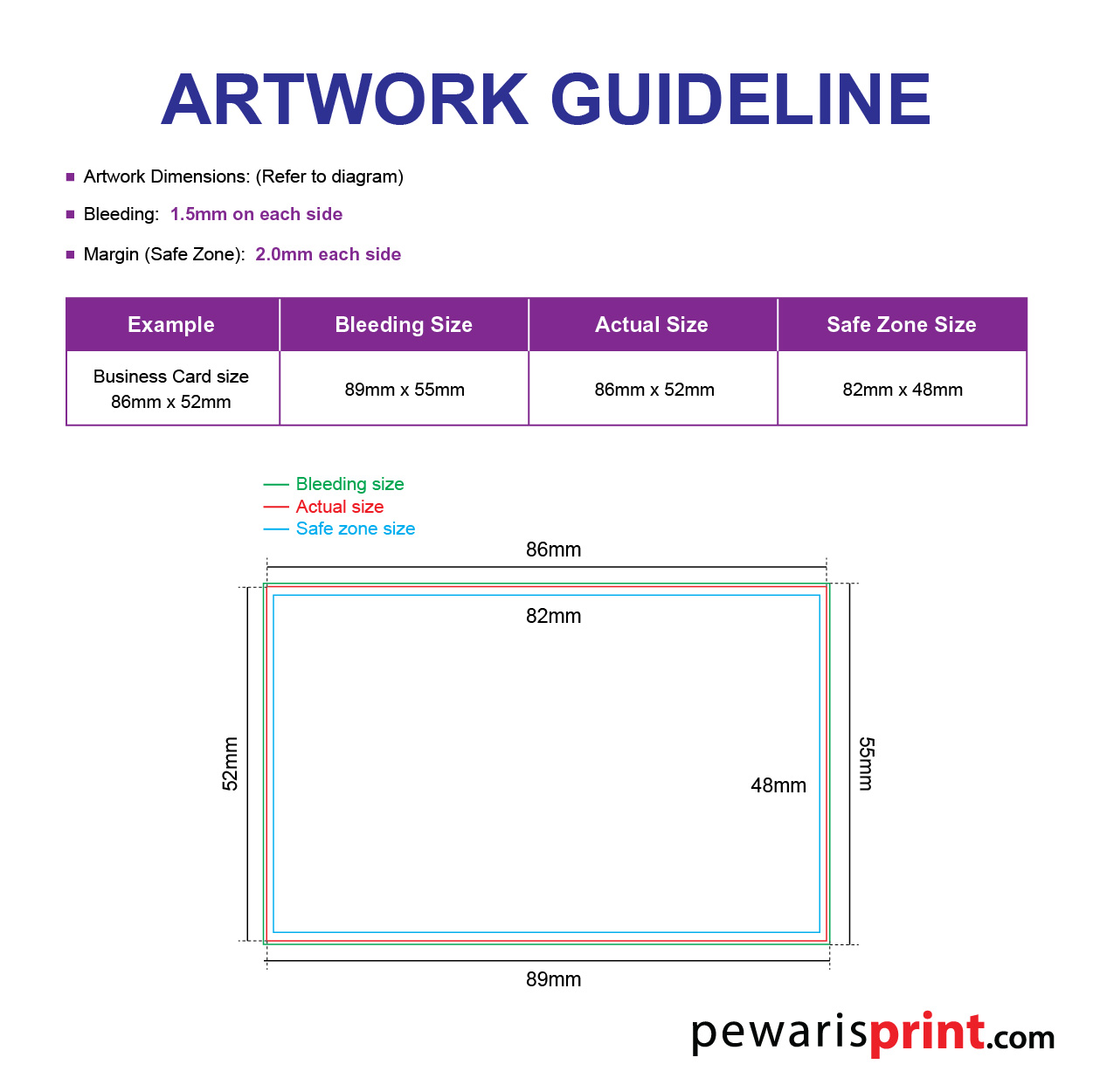
Download the official Product Size Template from us to ensure your design fits
File Submission (?): Please send the file in Ai CS 6, PDF, or high-res PNG/JPEG (minimum 300 DPI), and upload files directly if they are under 20MB. For larger files, include a download link in the “Remarks” field.
Printing Method (?): This product is produced using 4C (CMYK)
Bleed Requirement (?): 3mm margin on all sides.
Safe Zone (?): Please maintain a 5mm margin on all sides.
Cut-off Time (?): 6:00 PM (Orders placed after this time will be processed the following business day).
Upon Print Ready (?): Self Pick Up or Shipping*
*Please allow 3–5 additional business days for delivery once production is complete. Shipping is managed by third-party couriers; tracking info will be provided.
At Pewaris Print, we strive to make your ordering experience as smooth and straightforward as possible. Whether you’re ordering business cards, flyers, or custom prints, our step-by-step process ensures you can easily select, customize, and purchase your desired products. Follow these simple steps to place your order with us:
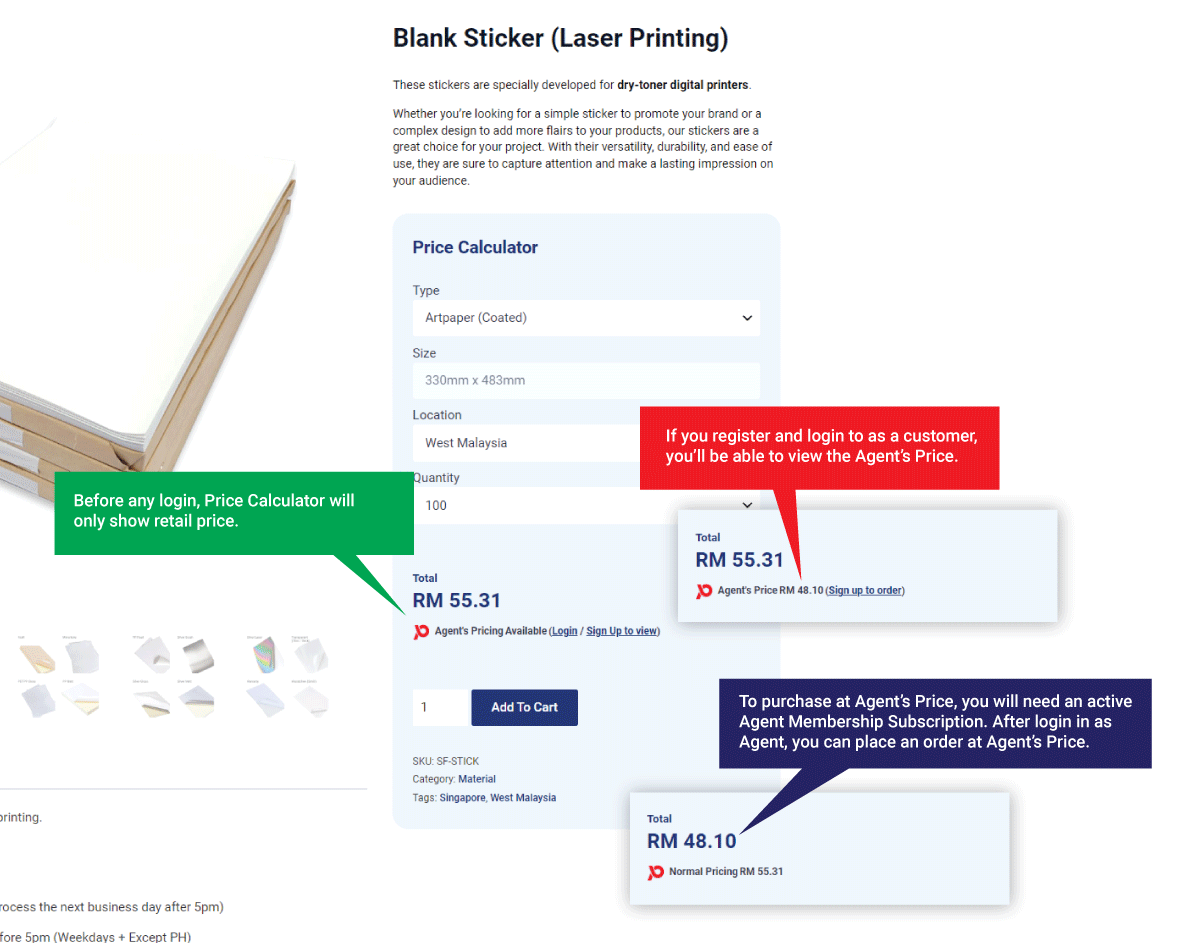
Browse our product catalog and choose the items you want to order. Select the desired specifications, such as size, quantity, and finishing options. Get better discount by joining us as an Agent.
Upload your artwork directly on our website.
Alternatively, provide a download link for your artwork in the "Remarks" section.
Once you’ve made your selections and uploaded your artwork, click “Add to Cart” to proceed.
Review your order in the cart and make sure everything is correct.
Proceed to checkout by clicking the “Checkout” button.
Payment Options for Regular Customers
We accept various payment methods including Google Pay, Apple Pay, credit cards, FPX, or eWallet.
Payment Options for Paid Members
For Paid Members, payment is strictly via eWallet.
Creating a print file for pewarisprint.com is super easy! For the best results, we recommend using Adobe software such as Illustrator or Photoshop. However, if you don't have access to these tools, don't worry. You can also design your artwork on Canva.com and save it as a high-resolution PDF. If you're still unsure or need extra help, consider hiring a professional freelancer from platforms like Fiverr.com.
At Pewaris Print, we conduct 13 pre-flight checks to identify potential issues with your files.
We have 10 tips to help you create the best artwork:
Choose the right size: Ensure your artwork matches the final print size. Common sizes include A4, A5, or custom dimensions. Use our size templates if available.
Include bleed: Extend your artwork 2mm beyond the trim edge to account for any slight cutting errors.
Set margins: Keep important content at least 5mm away from the trim line to avoid it being cut off.
CMYK color mode: Convert your artwork from RGB (or Pantone) to CMYK. This color mode is essential for accurate color reproduction in print.
High resolution: Ensure all images and graphics are at least 300 DPI (dots per inch) to avoid pixelation.
Embed fonts: Ensure all fonts are embedded within the file, or
Outline fonts: Convert text to outlines/paths to avoid font issues.
Vector graphics: Use vector formats for logos and illustrations whenever possible.
Image quality: Use high-resolution images to maintain quality.
PDF preferred: Save your artwork as a high-quality PDF for the best compatibility.
Other formats: We also accept TIFF, JPEG, and PNG, but ensure they meet our resolution and color requirements.
Check content: Double-check all text for typos and errors.
Verify layout: Ensure the layout and alignment are correct.
Confirm details: Check our print specifications for any additional requirements specific to your project.
Consult us: If unsure, contact our support team for guidance.
Use our upload tool: Follow the instructions on our website to upload your artwork. If your file is not ready at the time of order or exceeded upload file size limit, please send us a link to download instead.
Review confirmation: Ensure you receive a confirmation email after ordering.
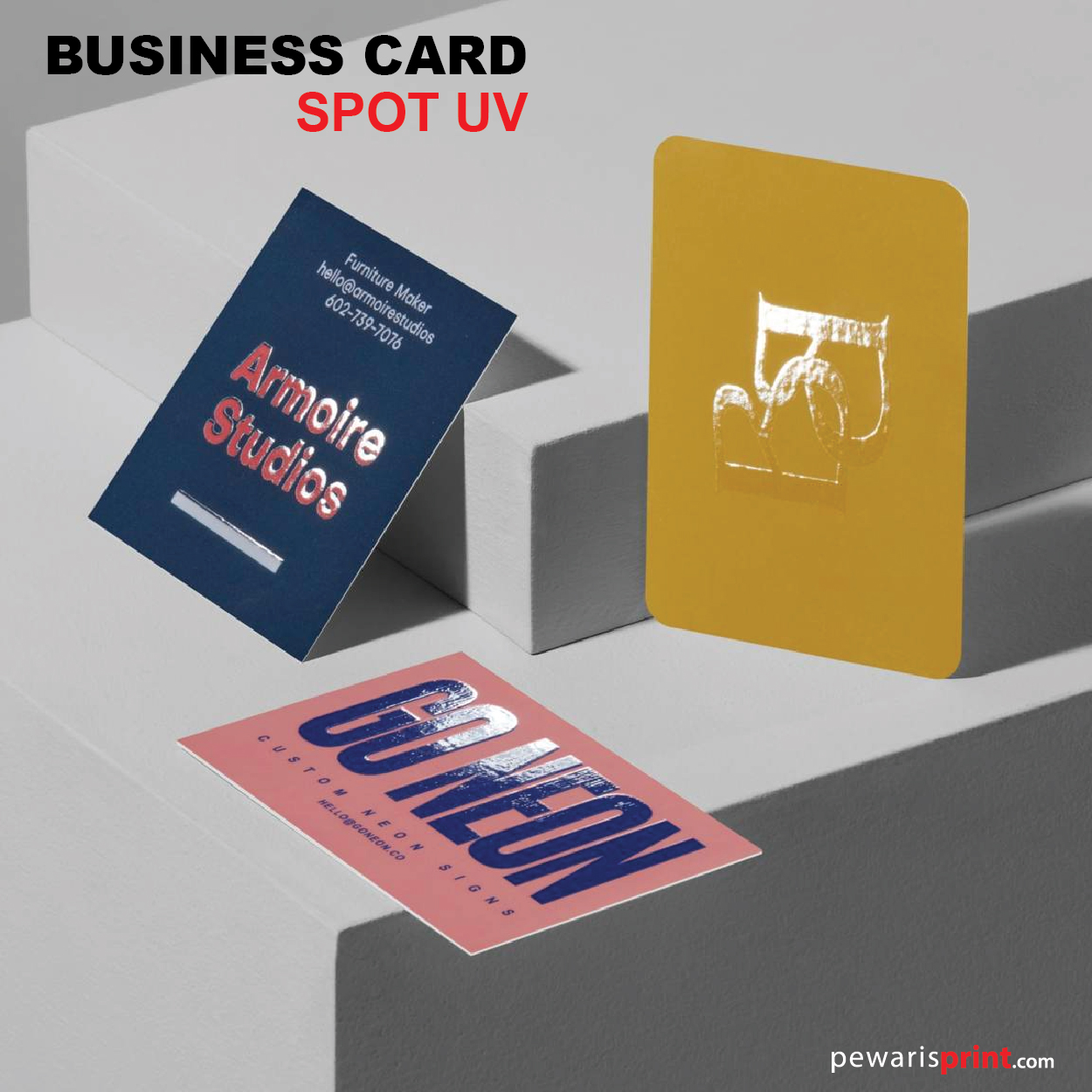
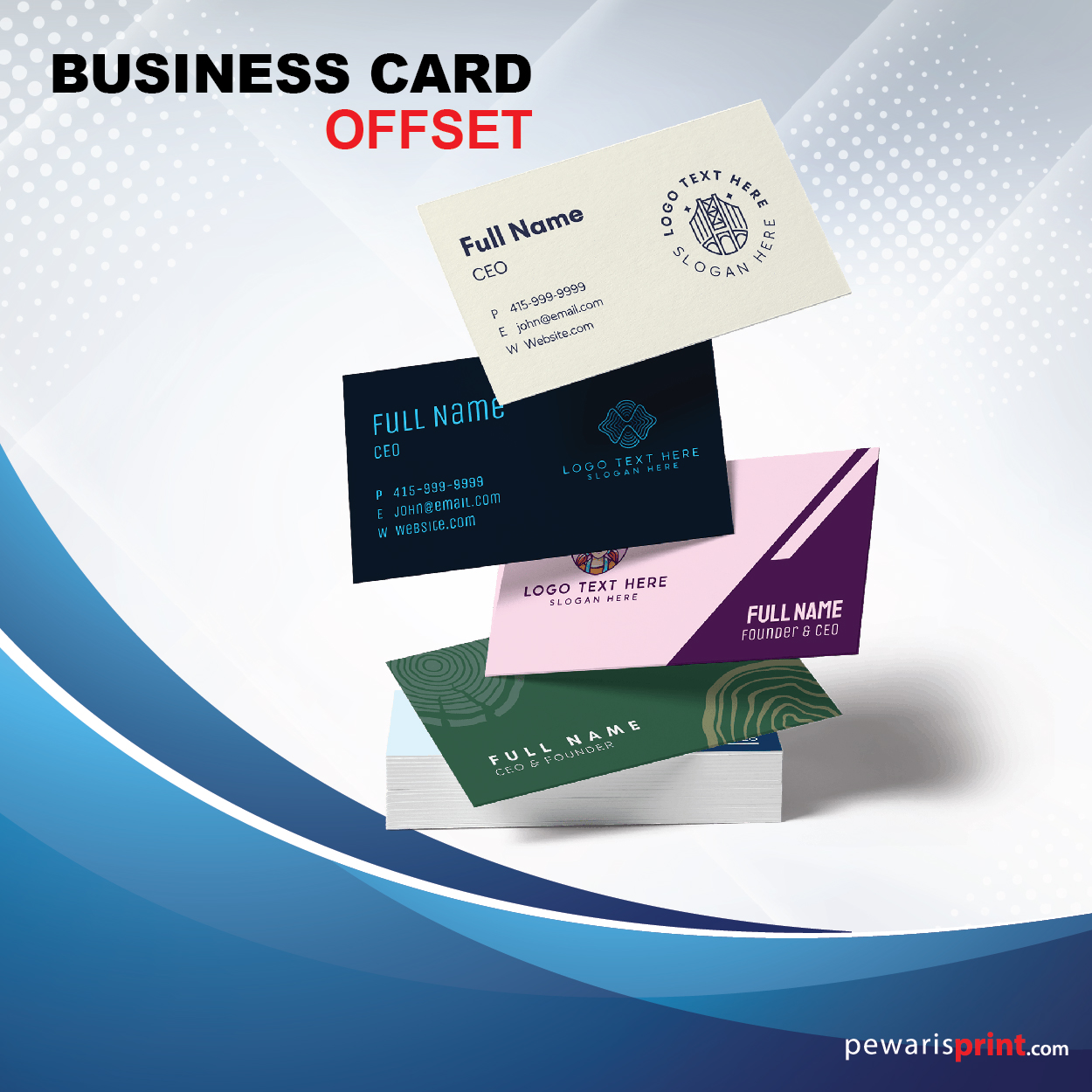
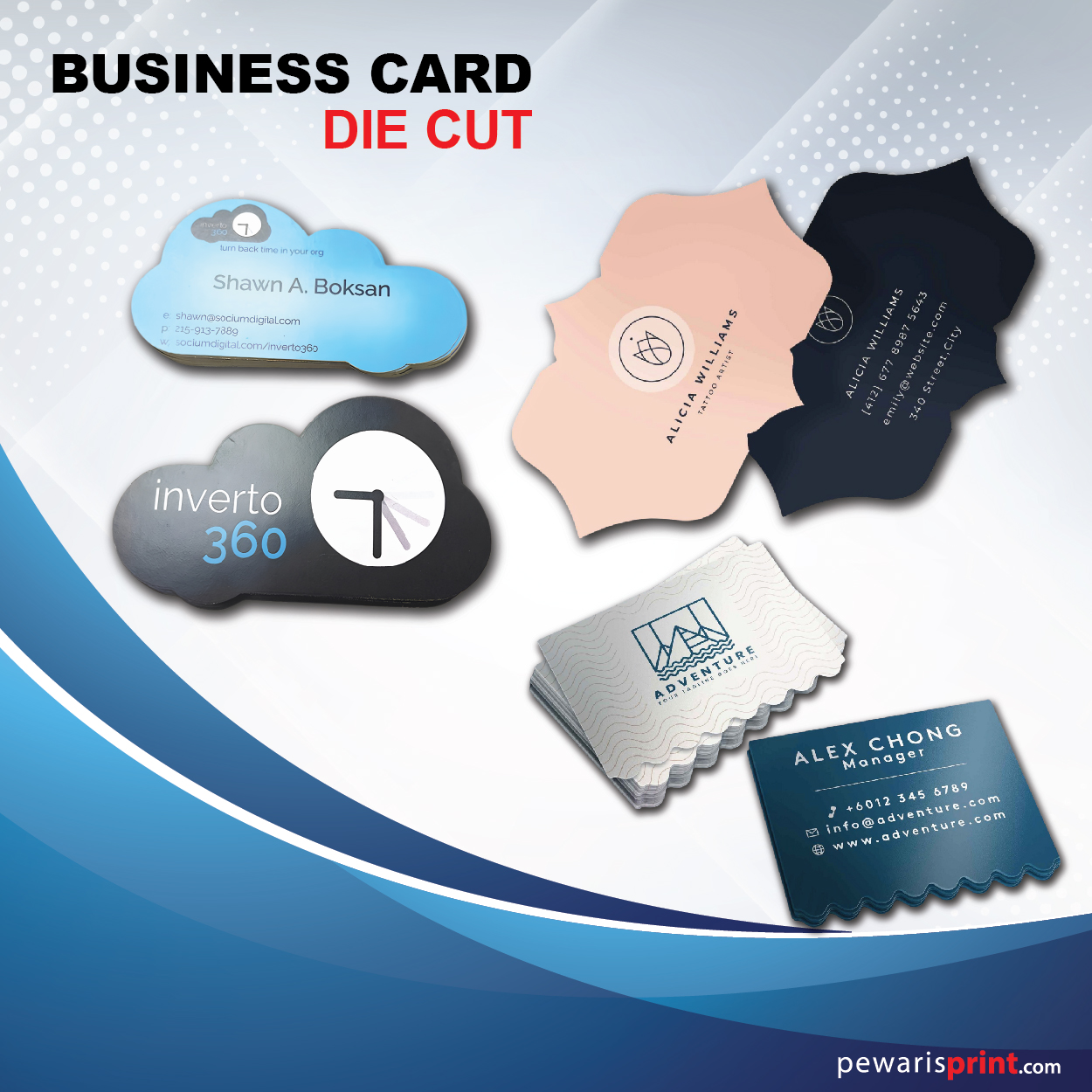
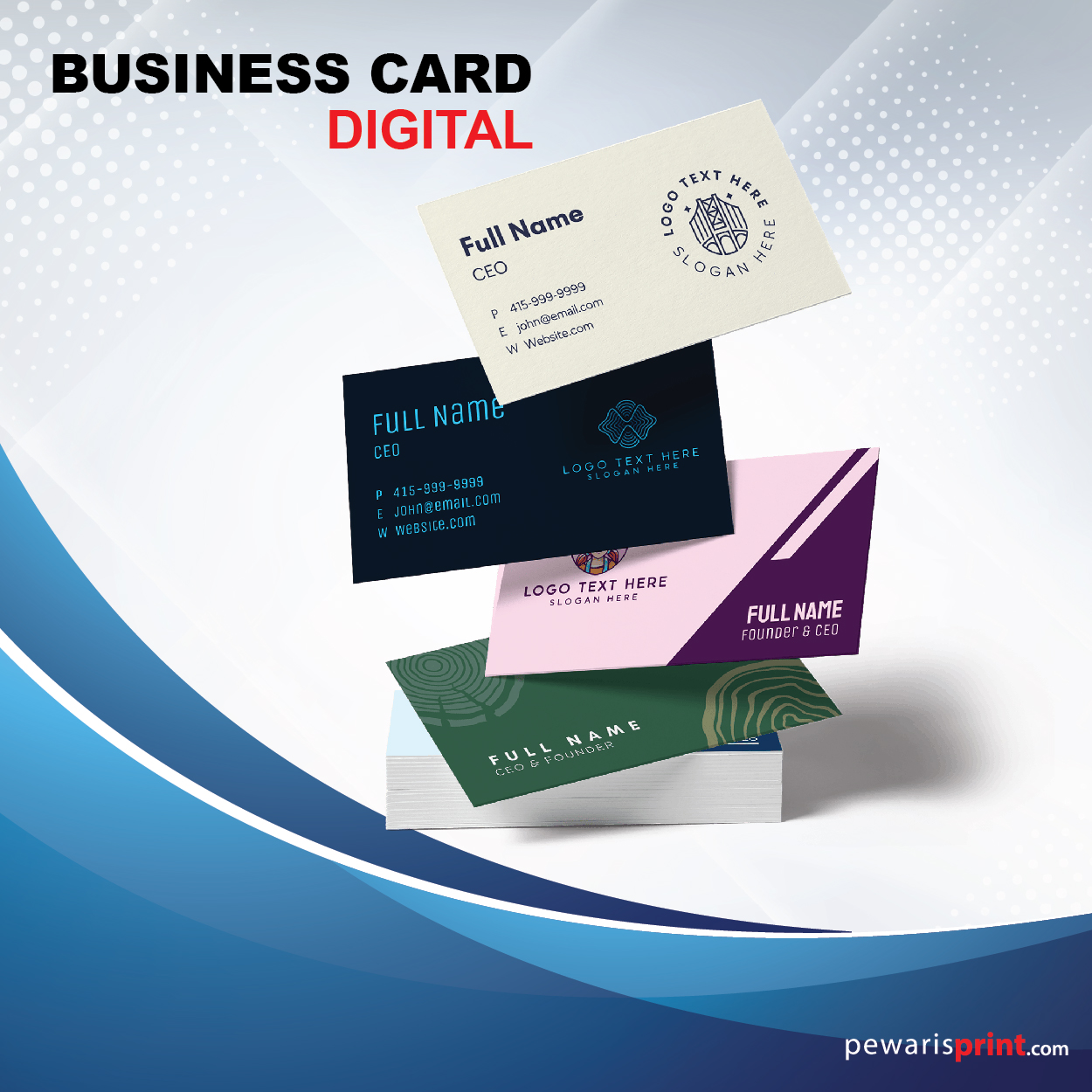
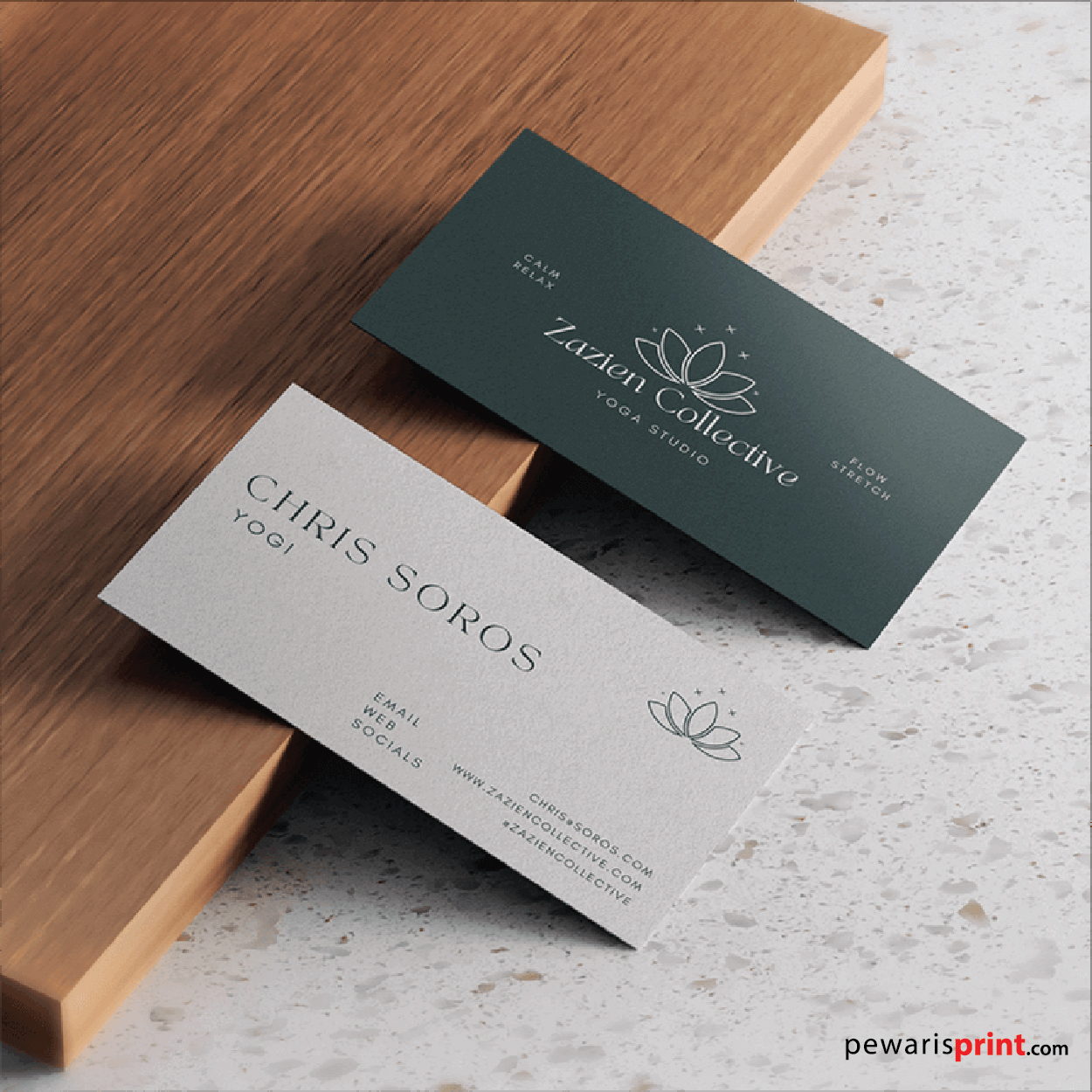
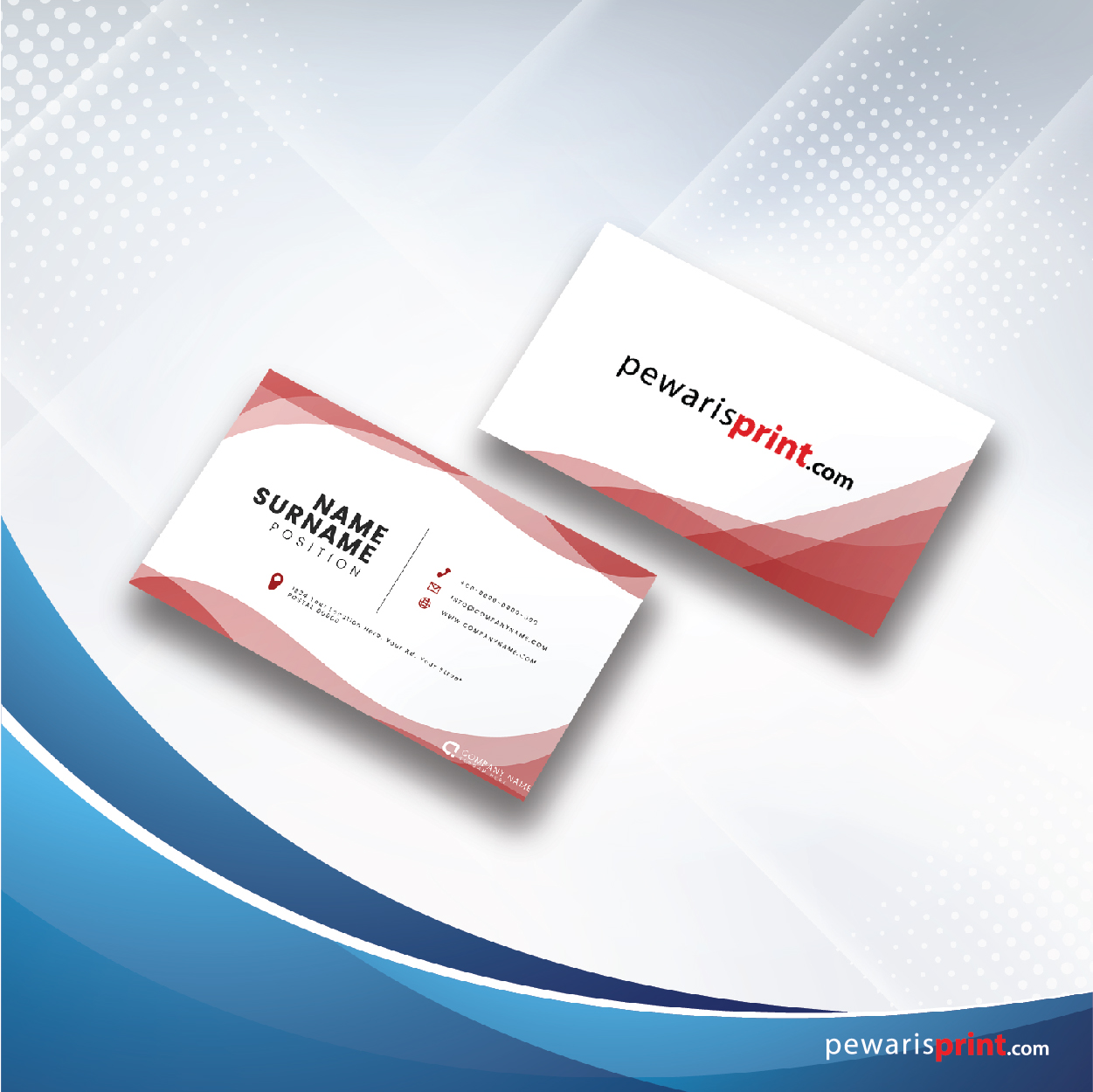
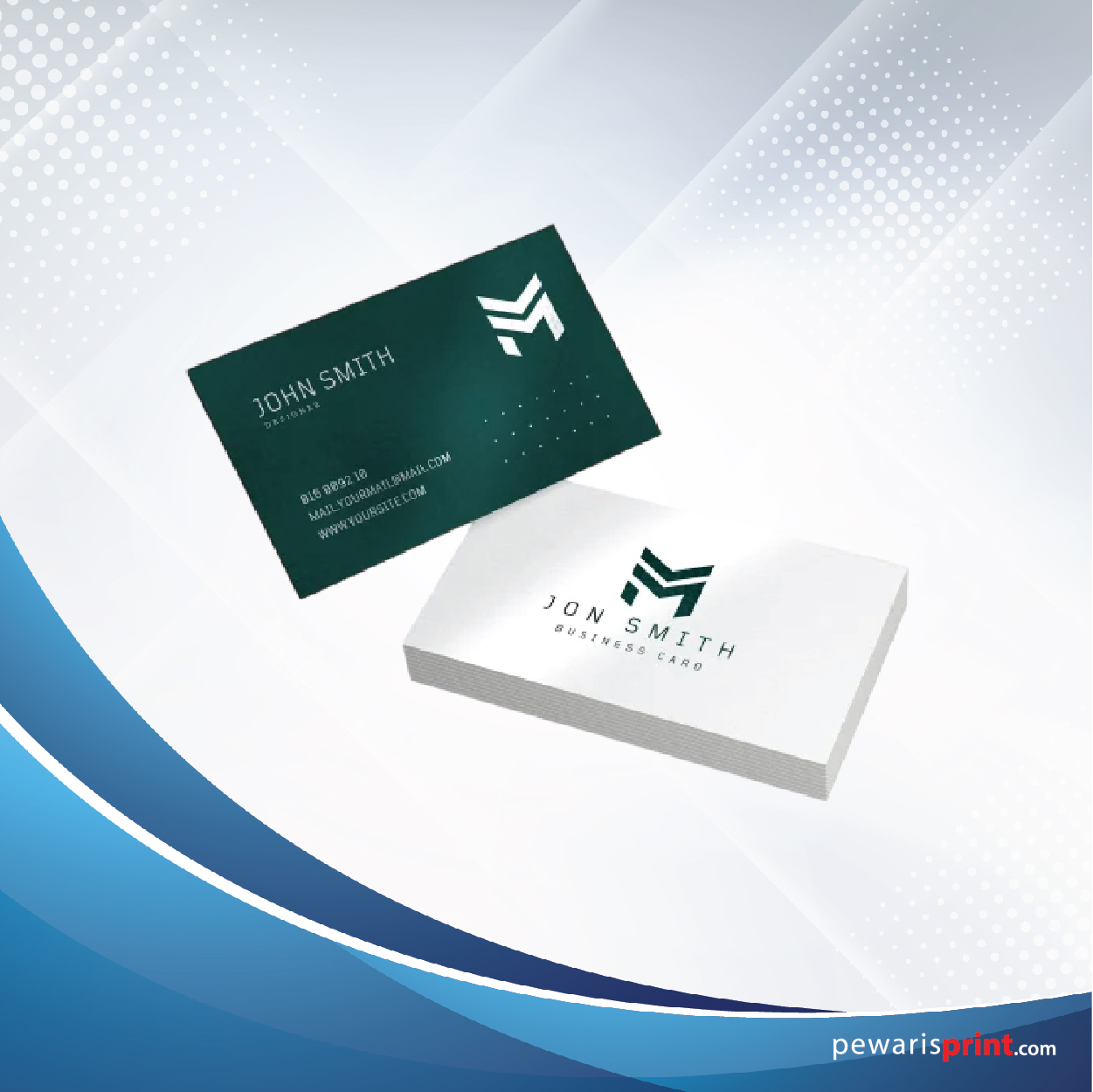
Businees Card make your brand unforgettable with our high-quality digital printing business cards, designed for businesses that want a clean, professional, and impactful look. Perfect for standard business card designs, digital printing ensures sharp details and vibrant colors for every card.